Create A Machine
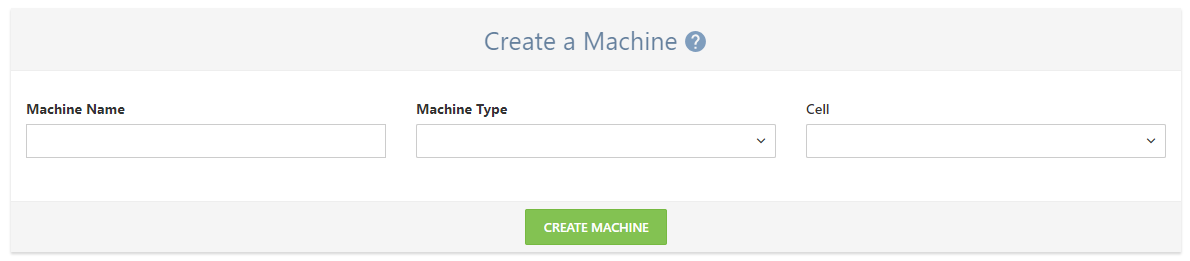
Machines added through the "Create a Machine" page will be shown on your Machines list.
Machine Name
Name of the machine. This is used to identify the machine through the Net-Inspect software. Often includes the machine's model number and other identifiers.
Machine Type
Category of machine. This can be used to group machines together on the View and Add Machines page and can be associated with a default set of preventative maintenance checks in the "Machines, Tools, Cells" section of the Company Setup page.
Cell
Name of the cell or group that the machine belongs to. New cells can be added through the in the "Machines, Tools, Cells" section of the Company Setup page.